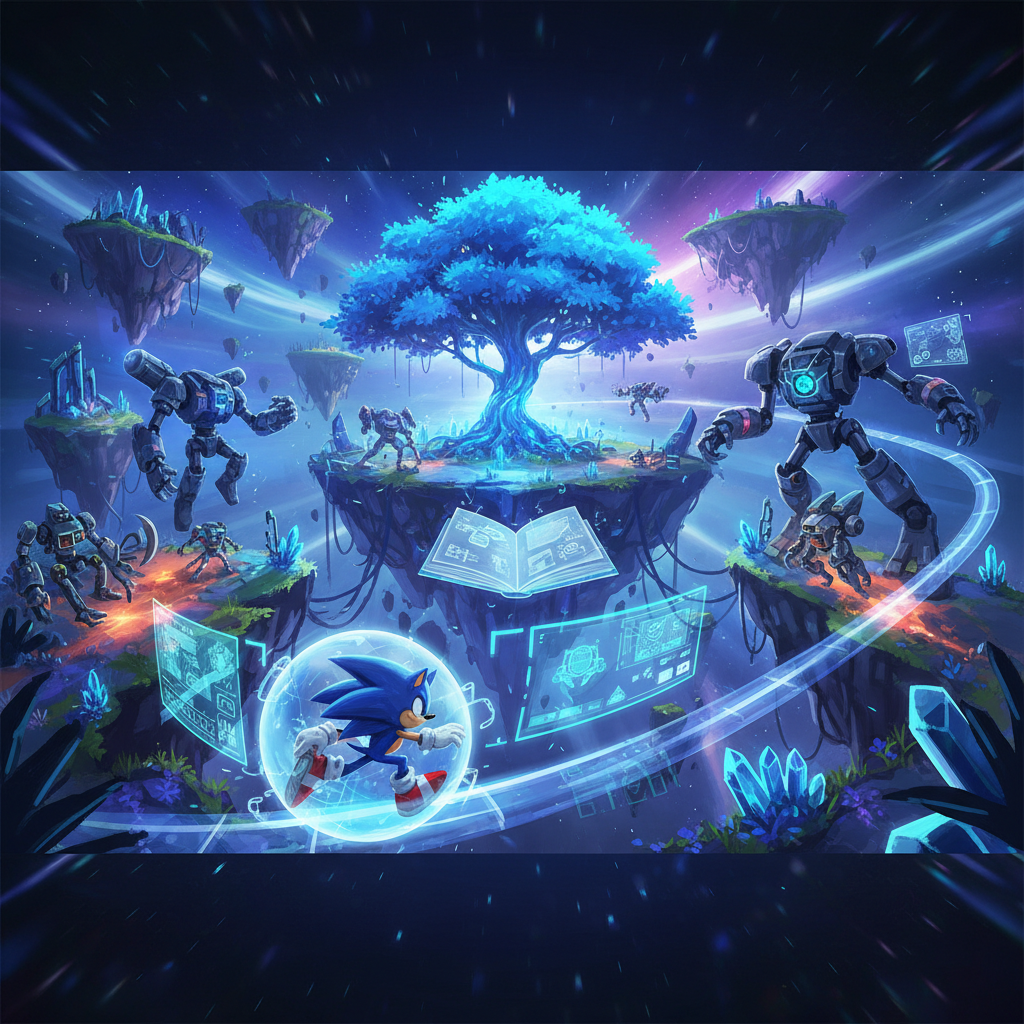
Getting Started with Sonic Frontiers Mods
Modding in Sonic Frontiers allows players to customize their game experience, from changing character models to altering game physics and visuals. To begin installing mods, you will need a mod loader.
The primary tool for installing most Sonic Frontiers mods is “HedgeModManager.” This application facilitates the installation of mods for Sonic Frontiers and other Sonic titles, and it also offers options for customizing in-game settings.
Installation Steps for HedgeModManager:
- Download HedgeModManager: Obtain the latest version of HedgeModManager from GameBanana.
- Launch HedgeModManager.exe: If you encounter a warning from your operating system (Windows/Mac), you can typically disregard it.
- Set Mod Directory: Within HedgeModManager, specify the location of your Sonic Frontiers game installation. This path usually resembles “SteamLibrary\steamapps\common\SonicFrontiers.”
- Update Channel: Ensure that the “Update Channel” setting within HedgeModManager is switched to ‘Development’ for optimal compatibility.
It’s important to note that while HedgeModManager is a versatile tool, some specific mods might require alternative installation methods or different file locations. Always consult the individual mod’s instructions for any unique requirements.
Popular Sonic Frontiers Mods
The modding community for Sonic Frontiers has developed a wide array of modifications, enhancing various aspects of the game. These can generally be categorized by the type of change they introduce:
Character & Model Replacements:
- Among Us Crewmates Over Koco: Replaces the standard Koco models with the red crewmate from Among Us.
- Sonic 06: Introduces a skin for Sonic based on his appearance in Sonic the Hedgehog 2006.
- Super Sonic Frontiers: A mod that provides a Super Sonic skin.
- Pac-Man Overhaul: Implements a Pac-Man skin model sourced from Sonic Dash.
- Silver the Hedgehog: Swaps Sonic’s model with that of Silver the Hedgehog.
- Mario (Mario Kart 8 Model): Allows players to use the Mario Kart 8 model for Mario.
- Scourge The Hedgehog: Adds a skin for Scourge The Hedgehog.
- Rush Adventure Sonic: Incorporates the Sonic model from Sonic Rush Adventure.
- Tails Frontiers: Replaces Sonic’s model with Tails, as featured in a recent video by Peter Knetter.
- Metal Sonic: Lets players control Metal Sonic, specifically his appearance from Sonic Forces. This mod is purely cosmetic.
- Shadow the Hedgehog: Replaces Sonic with Shadow. This mod is currently under development.
- Sonic Adventure 1 Sonic: Transforms Sonic to resemble his look in the original Dreamcast release of Sonic Adventure.
- Sonic from Sonic Adventure 2: Battle: Provides Sonic’s appearance from Sonic Adventure 2, including his Soap Shoes and optional upgrades from that game.
Graphical & Texture Enhancements:
- HD Characters: Aims to overhaul and optimize character textures to 4K resolution. This mod is noted as not entirely stable but is still worth trying.
- Changed Main Menu Background: Alters the main menu to display official art.
- Alternate Main Menu: Replaces the main menu background with the Rail Grinding Art seen in pre-release materials and on Steam.
- Hill Top Theme Over Green Hill: Modifies rocks and other textures in the Hill Top Zone.
- PS2 Unleashed Ranking Icons: Changes the ranking icons to those from the PS2 & Wii versions of Unleashed.
- Snowy Ares Island: Adds snowy mountain textures to Ares Island.
- HD Sonic: Provides high-definition textures for both Sonic and Super Sonic.
Gameplay and Quality of Life Mods
Beyond cosmetic changes, several mods focus on improving gameplay mechanics and player experience:
Cyber Space Improvements:
- Better Cyber Space Stage Names: Assigns proper names to all Cyber Space stages, especially for levels that are recreations of older stages.
- Improved Arcade UI: Adds level names to the banner in Arcade Mode. Optionally, it can include a descriptor indicating the dimension, which can be customized via HedgeModManager.
- Cyber Space Music Replacements: Replaces the new music in Cyber Space levels with the original soundtracks from the games the levels are based on, such as Sonic Adventure 2, Unleashed, and Generations.
Game Mechanics & Convenience:
- Boss Select: Allows players to re-challenge bosses repeatedly, rather than facing them only once during the main story.
- Improved Physics: Addresses certain movement abilities to make them feel smoother and more refined, as the game’s default physics can sometimes be inconsistent.
- No Challenge Cutscenes: Eliminates the forced cutscenes that play after completing challenges, which reveal parts of the map, reducing wait times.
FAQ
What is HedgeModManager? HedgeModManager is a mod loader that allows you to install mods for Sonic Frontiers and other Sonic games. It also provides options to customize game settings.
Where can I find Sonic Frontiers mods? Most Sonic Frontiers mods are available on GameBanana.
Are mods stable? The stability of mods can vary. Some, like the HD Characters mod, are noted as not entirely stable but still functional. Always check the mod’s description for known issues.
Can mods change gameplay? Yes, mods can introduce changes to gameplay, such as improved physics, boss select options, and alterations to the user interface.
Do mods only affect visuals? No, while many mods are cosmetic (character skins, texture changes), others can impact gameplay, music, and quality-of-life features.